[Oracle DataBase Server 12.2 Installation on Oracle Linux 7.4]: Installing Oracle DBMS (DataBase Software)
Pre-installation configuration check:
If the DISPLAY variable is not set.
$ export DISPLAY=192.168.1.5:0.0
$ cd /distrib/oracle/12.2/database/
$ ./runInstaller -executeSysPrereqs
Starting Oracle Universal Installer...

Checking Temp space: must be greater than 500 MB.   Actual 26663 MB    Passed
Checking swap space: must be greater than 150 MB.   Actual 3967 MB    Passed
Checking monitor: must be configured to display at least 256 colors.    Actual 16777216    Passed
Exiting Oracle Universal Installer, log for this session can be found at /tmp/OraInstall2015-09-15_09-20-12PM/installActions2015-09-15_09-20-12PM.log
Starting the database installation program:
$ ./runInstaller
In some cases, you have to run the installation ignoring system messages
$ ./runInstaller -ignoreSysPrereqs
If everything is normal, the picture will appear:

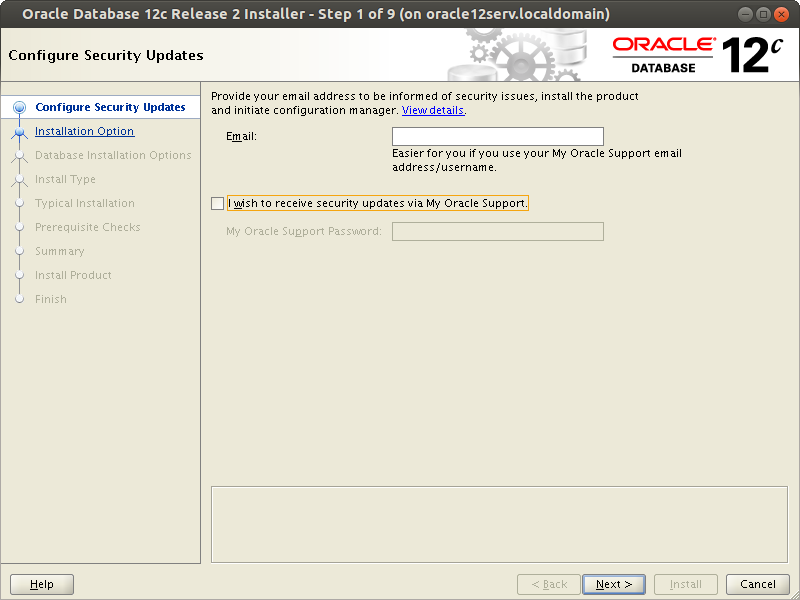
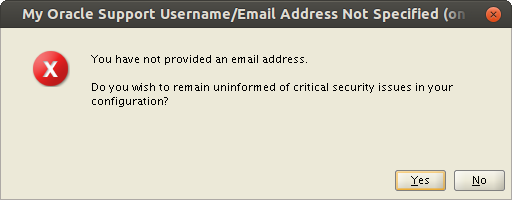
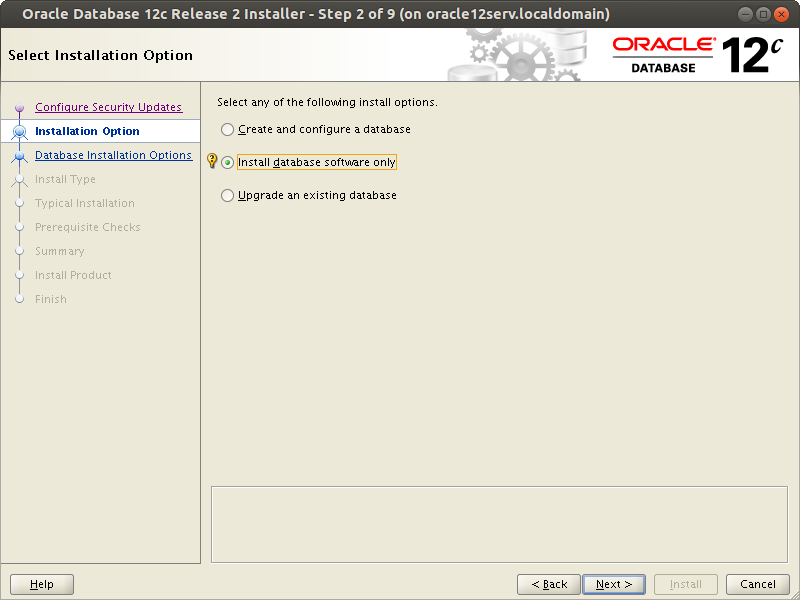
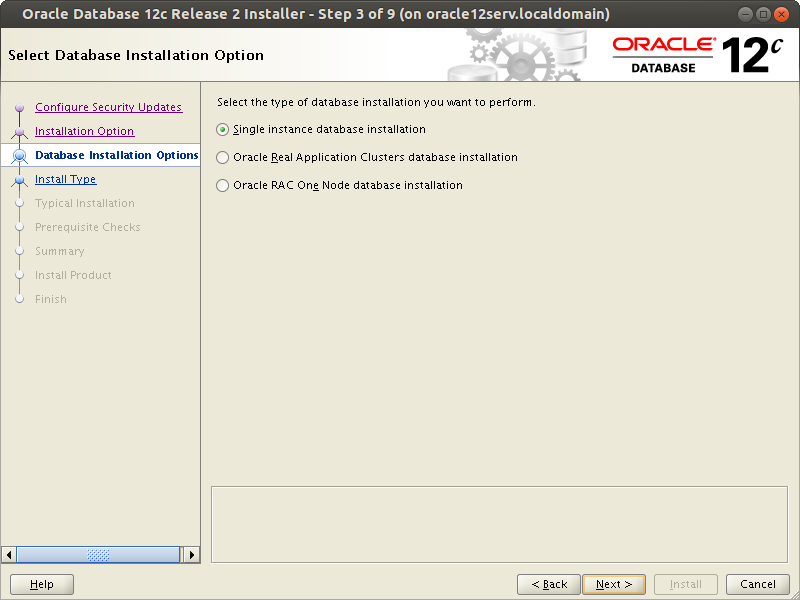
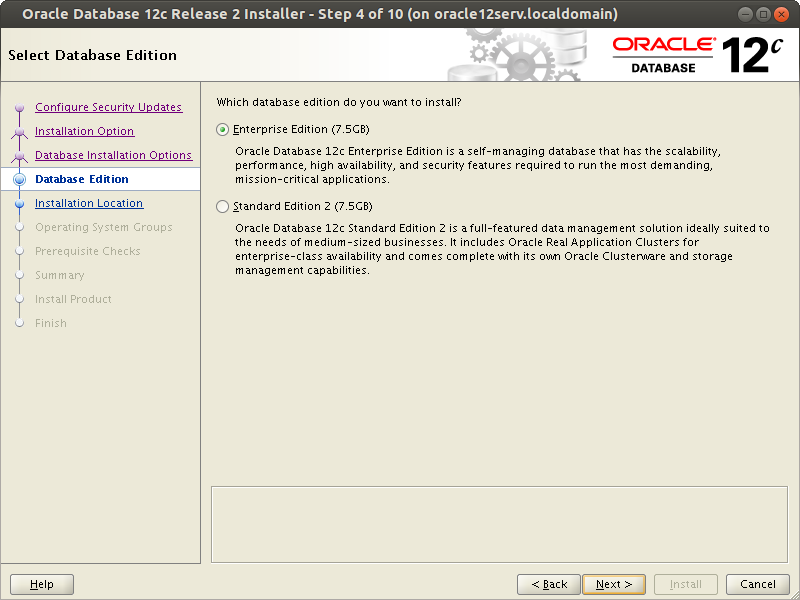
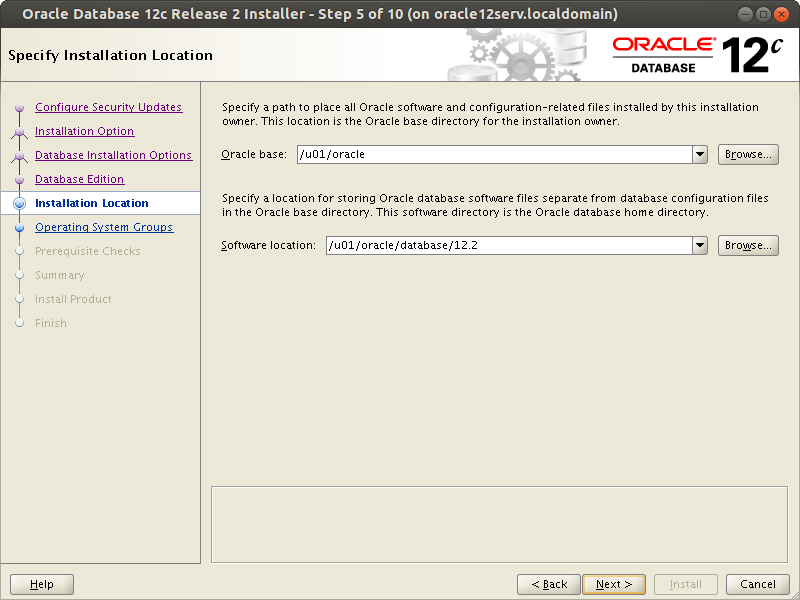
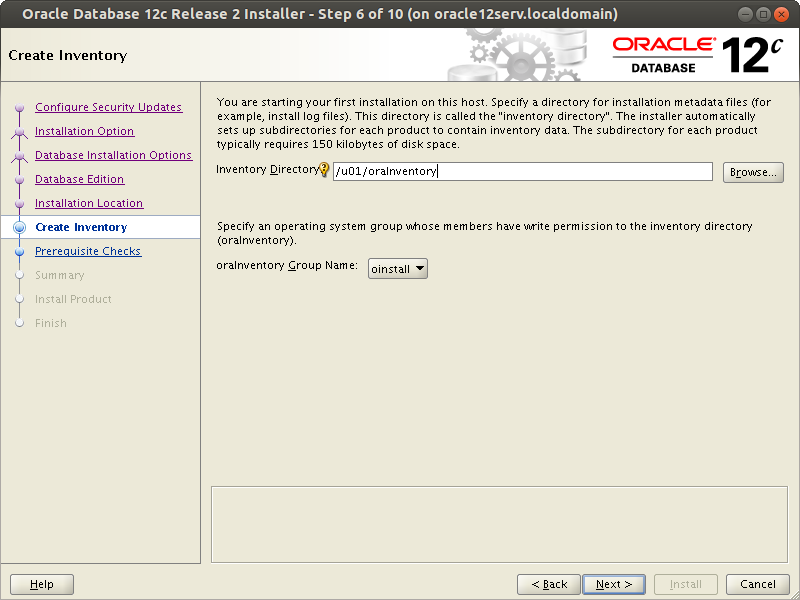
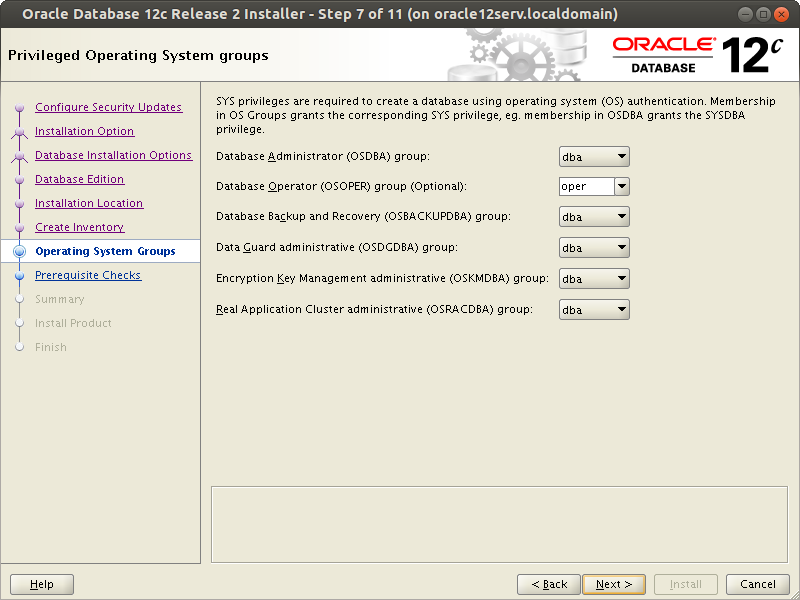
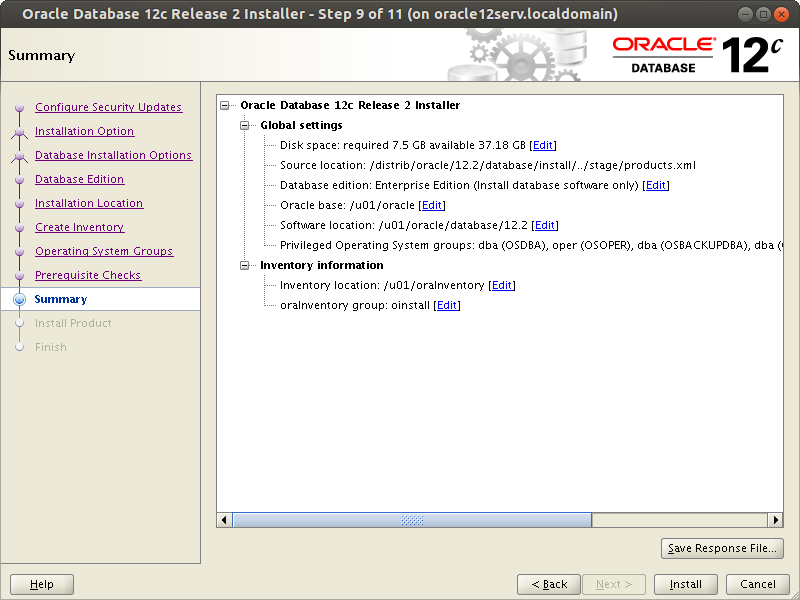
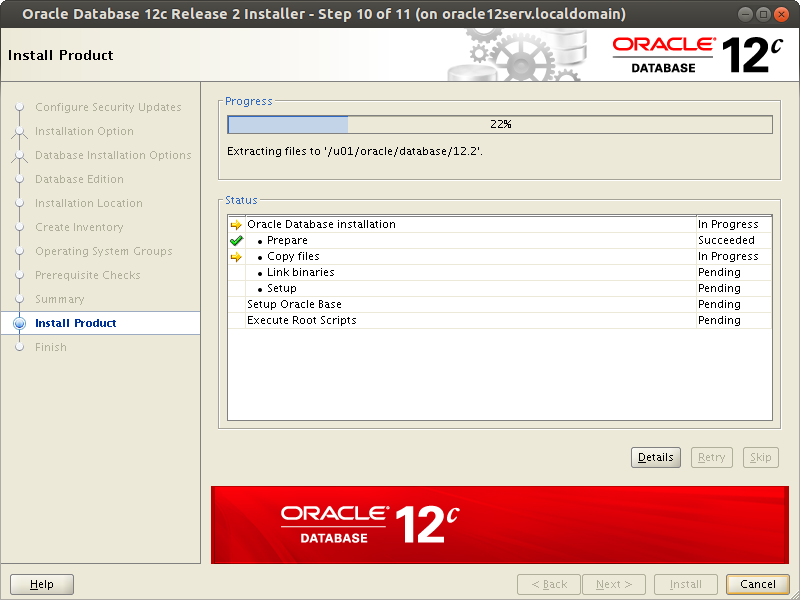
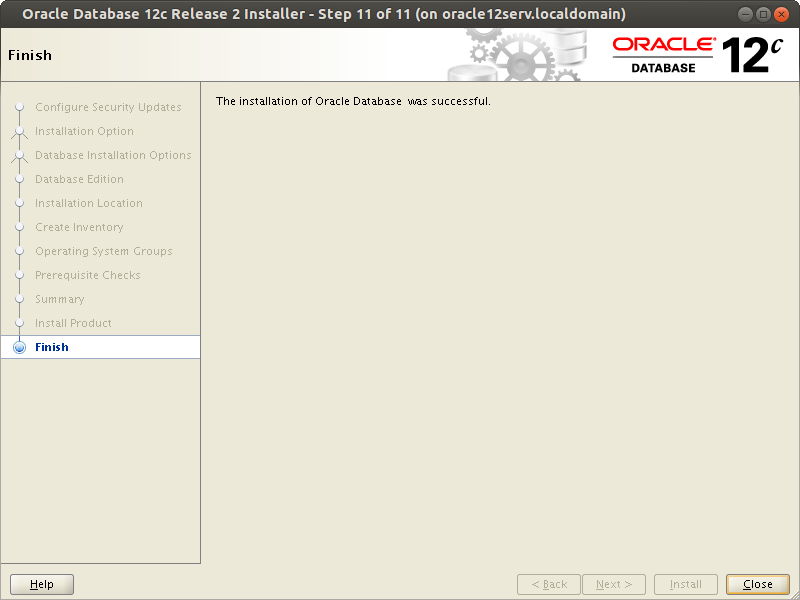
After the following window appears, you must run the following scripts as root. It is recommended to connect to the database server with another session and run the commands there.
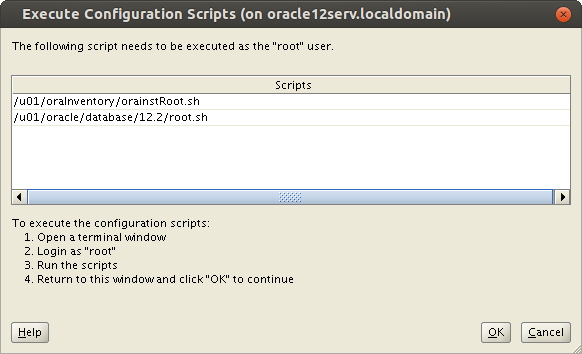
# /u01/oraInventory/orainstRoot.sh
# /u01/oracle/database/12.2/root.sh